

◆Description
The Stroop test is widely known as a cognitive task related to attention and executive function, and is thought to be associated primarily with the functions of the frontal lobe and anterior cingulate cortex.
This app allows users to complete two types of tasks.
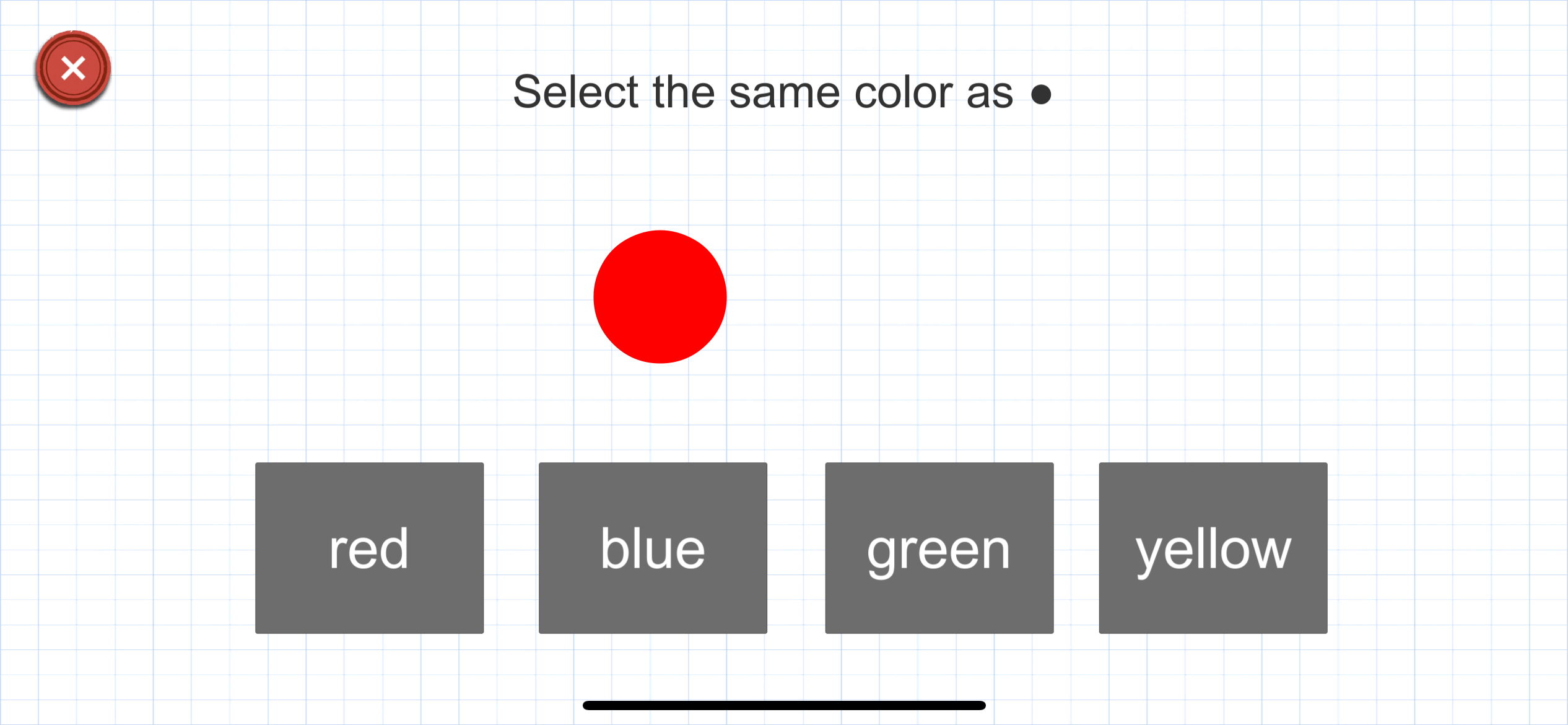
In the first task, please answer the four colors—red, blue, green, and yellow—as accurately and as quickly as possible (Color Naming task).
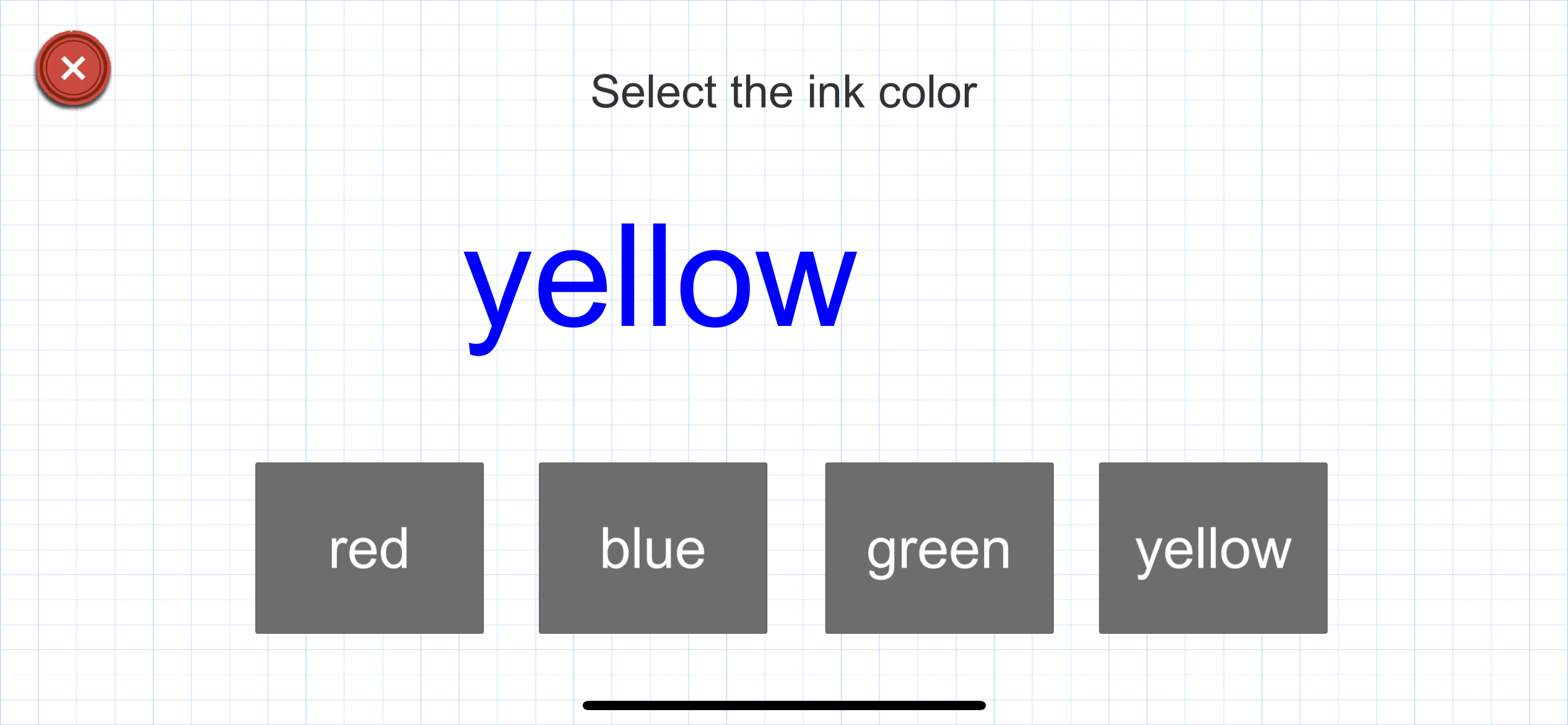
In the second task, even when the meaning of the word and the color of the ink do not match, please answer the “color of the ink” rather than the meaning of the word (Incongruent Color Naming task).
It is known that responses are slower when the color and the word information do not match compared to when they do match. This phenomenon is called the Stroop effect.
This occurs because the processes of identifying colors and reading words operate simultaneously and interfere with each other, resulting in increased processing time.
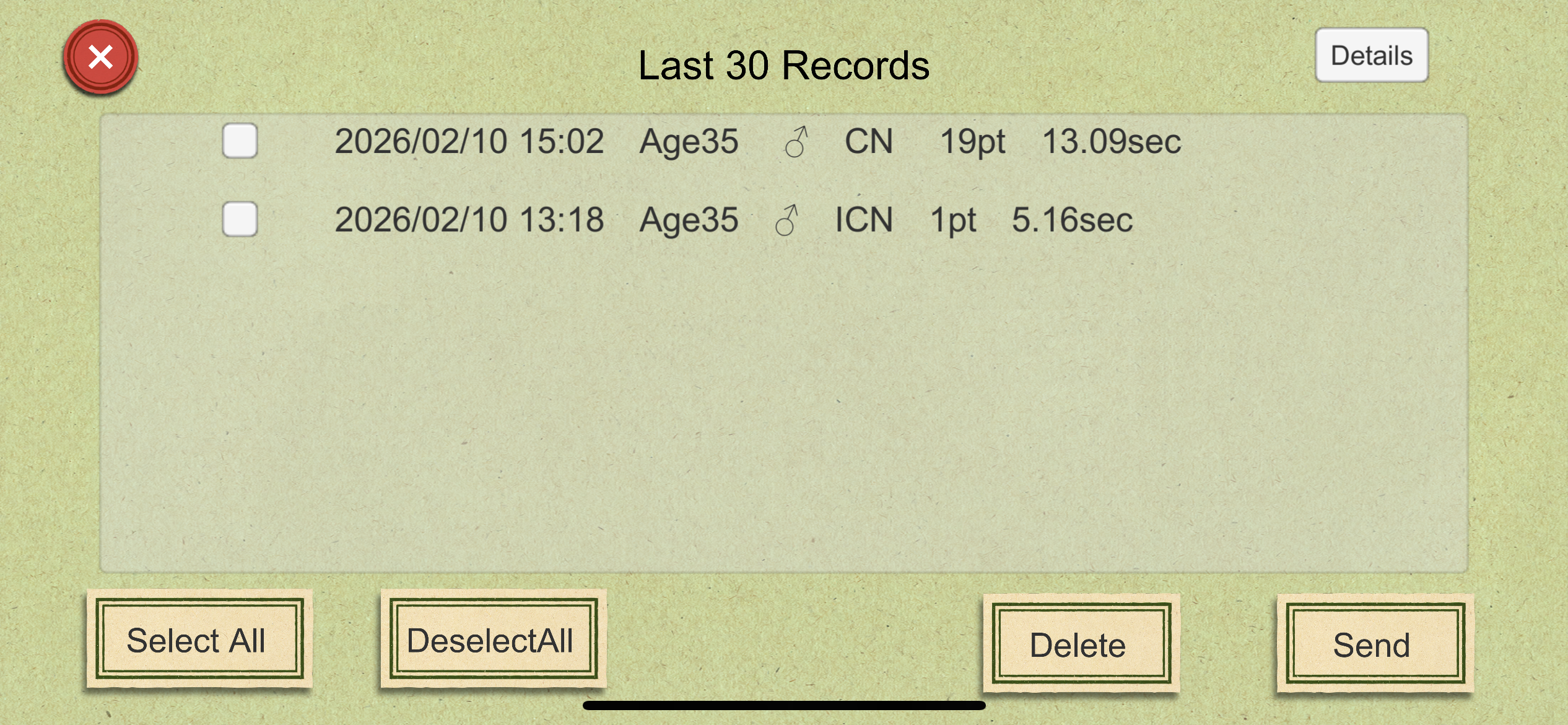
Each task consists of 20 questions, and after completion, the number of correct answers and the time taken will be displayed.
The display language for the tasks supports 11 languages.
◆About the Data Sharing Feature
Past records can be saved to your device in CSV format or sent by email, allowing them to be shared with other applications as well.
◆When starting the app, please choose from three modes.
1: Hakaro Series Account Mode
By logging in with a user account, all past data can be saved to the cloud. Even if you change devices, you can access and share your data by logging in with the same account.
For more details, please tap the “Learn more about the Hakaro Series Account” button on the app’s top screen.
2: Guest Mode
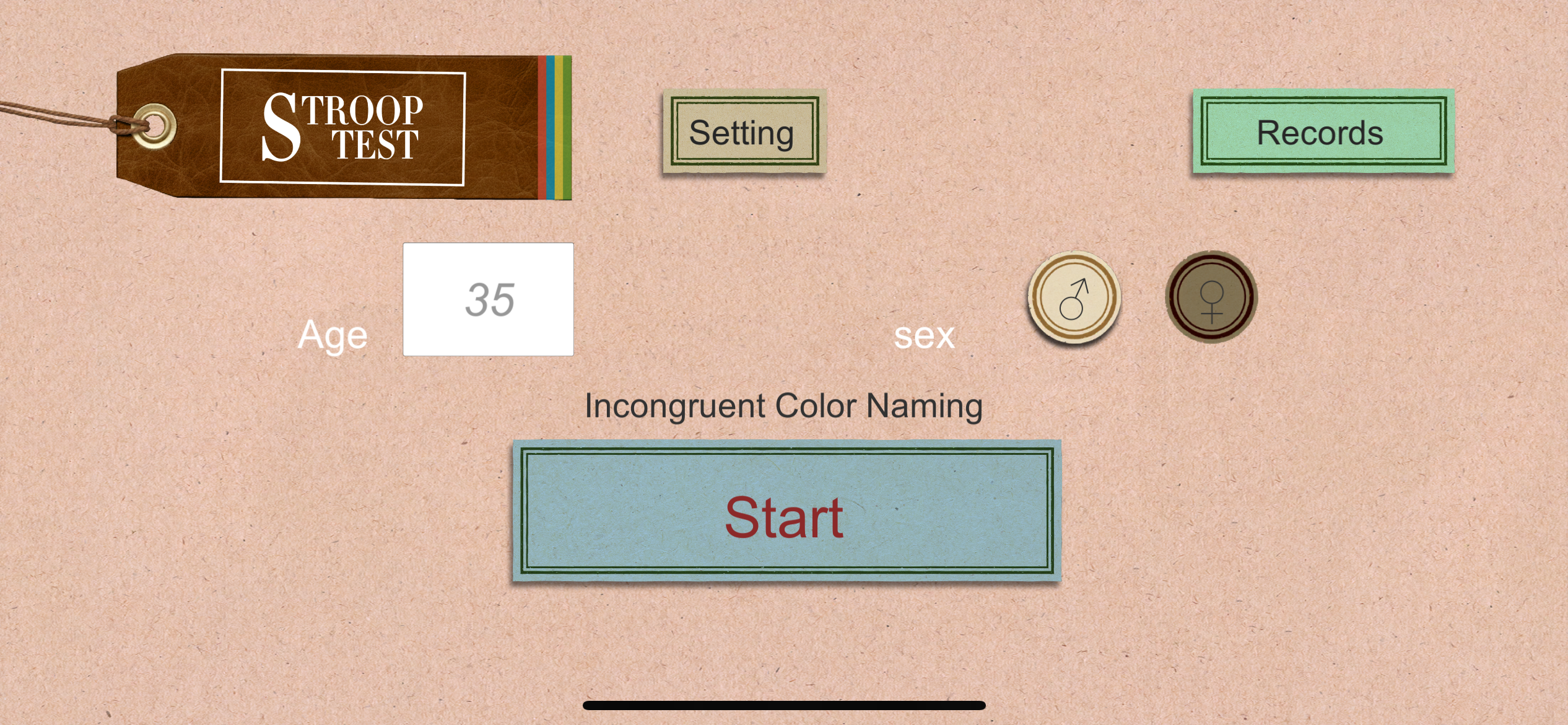
Up to 30 records can be stored locally on the device.
Older records will be deleted in order.
Even if you log in using a different mode, these 30 records will remain saved on the device.
3: Researcher Mode
Records are managed by “Subject ID” instead of “Age and Gender.”
When starting a measurement, a function to select a Subject ID will be displayed.
As with Guest Mode, up to 30 records can be saved.
◆How to Switch Modes
To switch between the three modes, please log out once from the settings screen, return to the initial screen, and then select the desired mode.
◆About the Settings Screen
– You can change your password.
– You can switch the test mode.
– You can change the language used during measurement.
– You can log out.
◆About Researcher Mode
– You must enter or select a Subject ID before starting a measurement.
– An “ID Management” button will appear on the settings screen. In the ID management screen, you can “Add New” or “Delete ID.”
– An “ID” column will be added to the record list displayed on the records screen.